
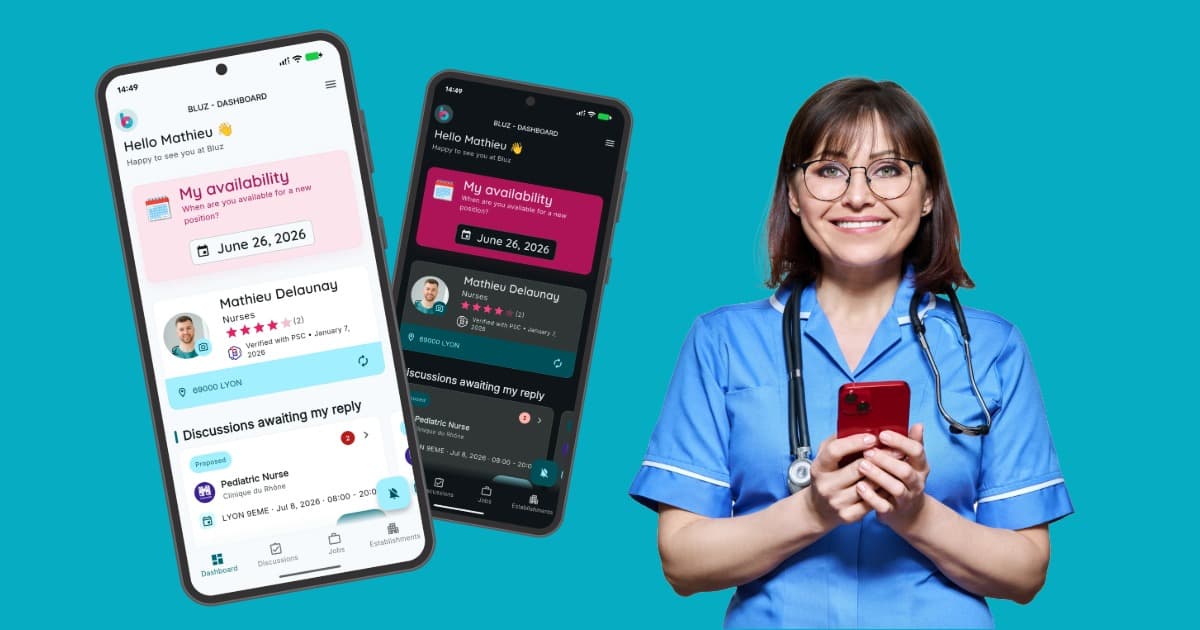
The Bluz mobile app has received a major update, now available on the App Store and Google Play. The new version adds full support for dark and light themes, a redesigned interface built on Material Design 3, and practical improvements for health workers across France.
With close to 50,000 downloads, Bluz has become a go-to tool for healthcare professionals looking to find and manage temporary work shifts directly from their phone.
The pressure on French healthcare
French healthcare facilities are under constant pressure. Absence rates in hospitals regularly reach 8 to 10%, compared to a national average of around 4.5% across all sectors. Seasonal peaks - winter flu outbreaks, summer heatwaves - push these figures even higher.
For a medium-sized establishment, this means managing hundreds of temporary replacements every month: nurses, healthcare assistants, doctors, porters. Without the right tools, this becomes a costly and time-consuming process.
Bluz solves this problem - for health workers and for establishments.
Dark mode and light mode: why it matters
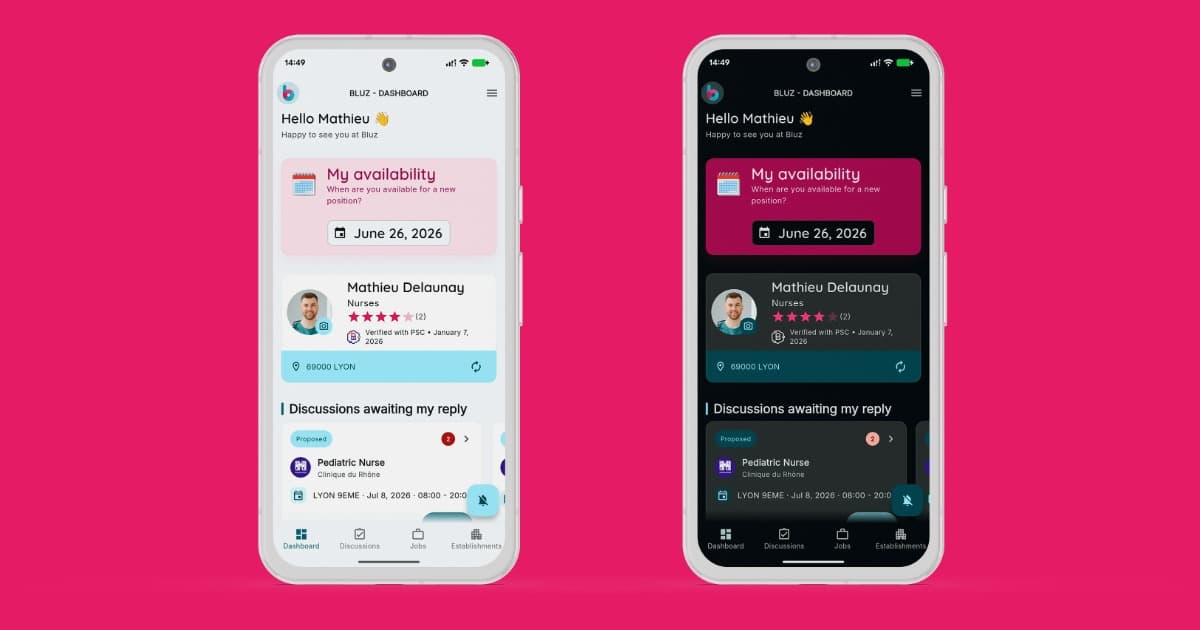
Themes are not just about appearance. For a nurse checking the app at 6am before a shift, or late at night after a long day, screen brightness makes a real difference. Dark mode reduces eye strain in low-light environments - hospital corridors, basement break rooms - while light mode works best during the day.
Bluz reads the device system preference automatically and adjusts accordingly. Users can also set their preference manually in the app settings.
Material Design 3: a modern interface
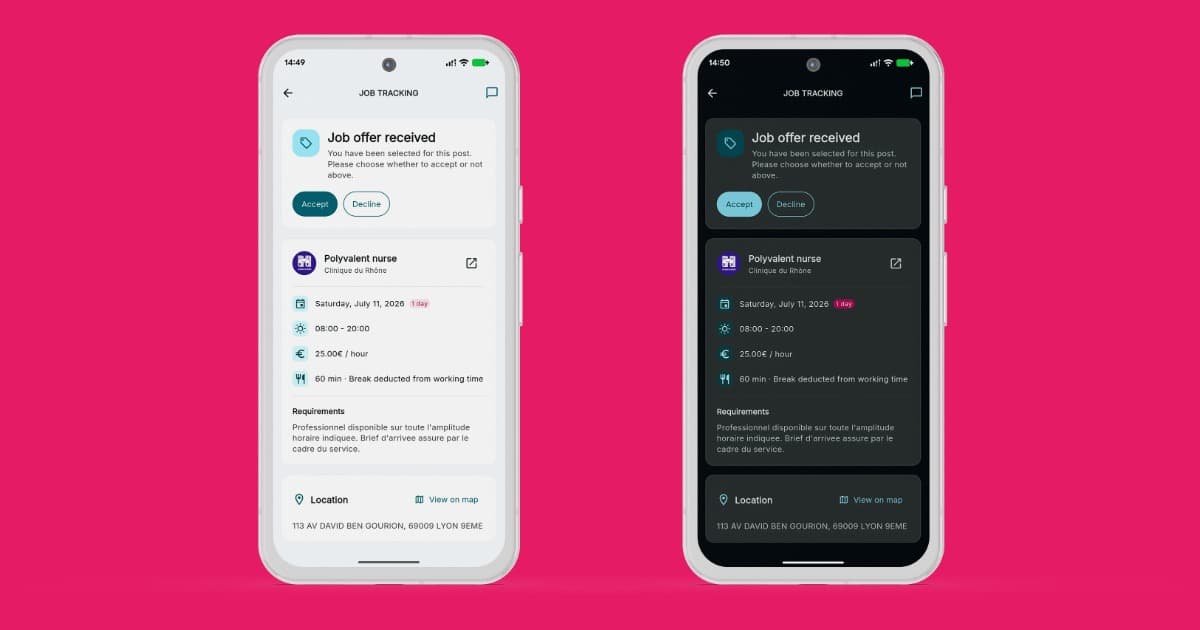
The visual redesign follows the Material Design 3 guidelines - Google's latest design system. For Bluz users, this means clearer navigation, better visual structure and smoother interactions, especially on the job application and contract signing screens.
Built with Flutter, the app uses a native implementation of Material You, with dynamic colours that match the device theme. The result is a consistent, modern experience on both iPhone and Android.
Why Flutter and Material Design work so well together
Flutter is built around Material Design. Every widget in the framework is designed to follow the system's principles - spacing, typography, interactive states, animations. Moving to Material Design 3 in a Flutter app is a natural process: components update consistently without needing to rebuild each layer separately.
Flutter's theme system also allows switching between dark and light modes at runtime, with no reload. Colours, shadows, surfaces - everything recalculates instantly based on the active ThemeData. This is one of Flutter's architectural strengths, and Bluz takes full advantage of it.
Features that make a difference
Pro Santé Connect
Bluz integrates Pro Santé Connect, the official digital identity service from the French Ministry of Health. Health workers verify their qualifications and professional identity once, directly inside the app. No documents to send by email or post - verification is instant, secure and accepted by all partner establishments.
Apply in one tap
Finding an urgent shift and applying takes just a few seconds. The app shows nearby opportunities, displays the role details - ward, hours, pay rate - and lets users apply in a single tap. Contracts are generated automatically and signed electronically via YouSign, with no printing or travel required.
Real-time chat
The update strengthens communication between health workers and establishments with an integrated chat feature. Messages are exchanged in real time, directly inside the app - to confirm availability, clarify shift details or answer urgent questions.
Full contract management
All contracts are accessible from a central dashboard. Mission history, signed documents, payment tracking - everything is available at any time, on any device.
For health workers
Bluz is free to download on the App Store and Google Play. In a few minutes, a healthcare professional can create a profile, verify their identity through Pro Santé Connect and start browsing available shifts nearby.
Download on the App Store · Download on Google Play
For establishments
Healthcare establishments access Bluz through a dedicated web interface at bluz.fr. In a few clicks, they can post urgent staffing needs, select available candidates, generate contracts and manage the entire replacement process - without leaving the platform.
Whether you handle ten replacements a month or several hundred, Bluz adapts to your volume and your organisation.